How to Clean Up Your Twitter (X) Before a Job Search
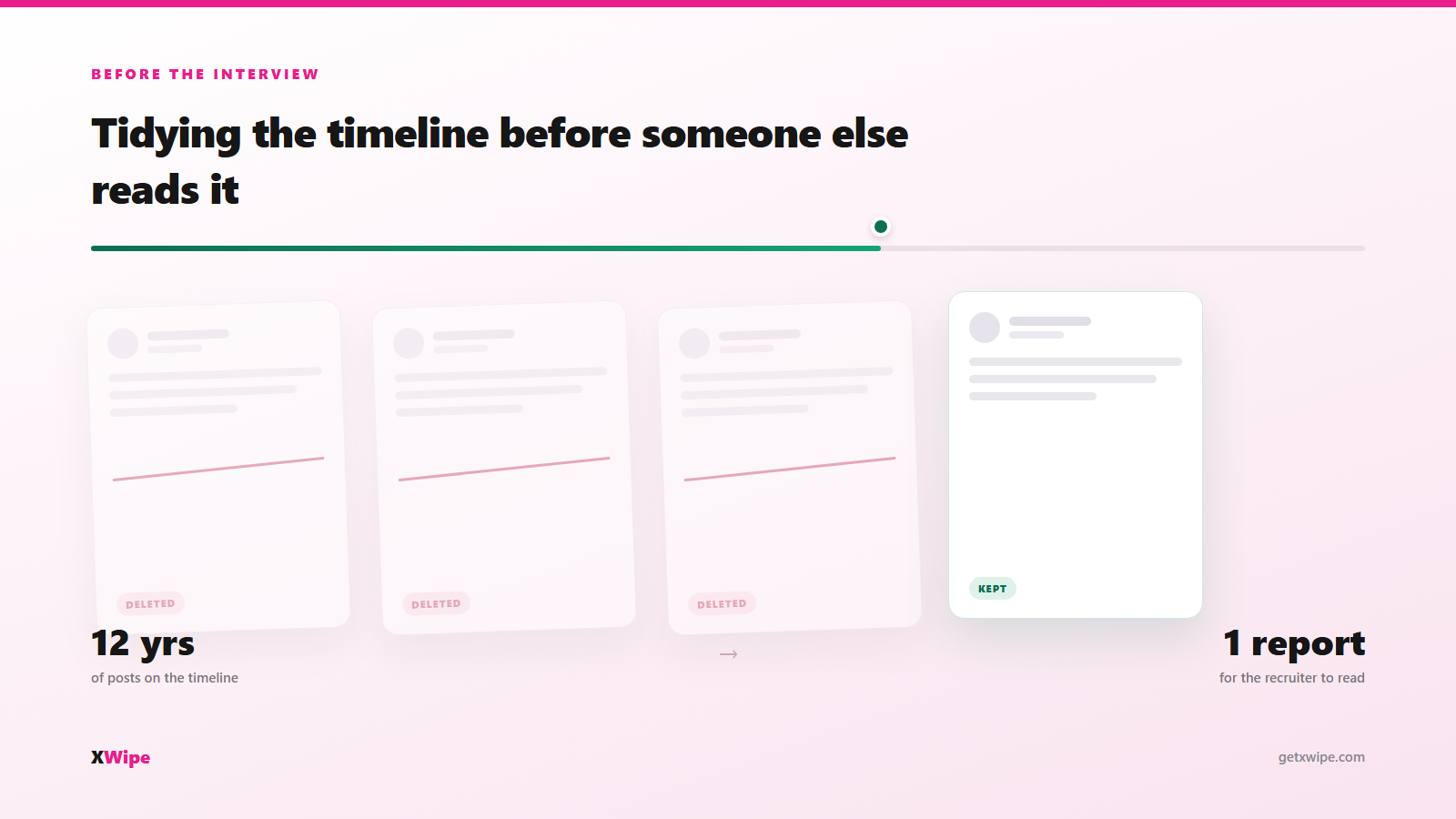
Somebody is going to type your name into X before they decide about you. It takes them four minutes, it costs them nothing, and you will never know it happened. This is what they can see, what to clear first, and how far back you actually need to go.
What a recruiter can actually see
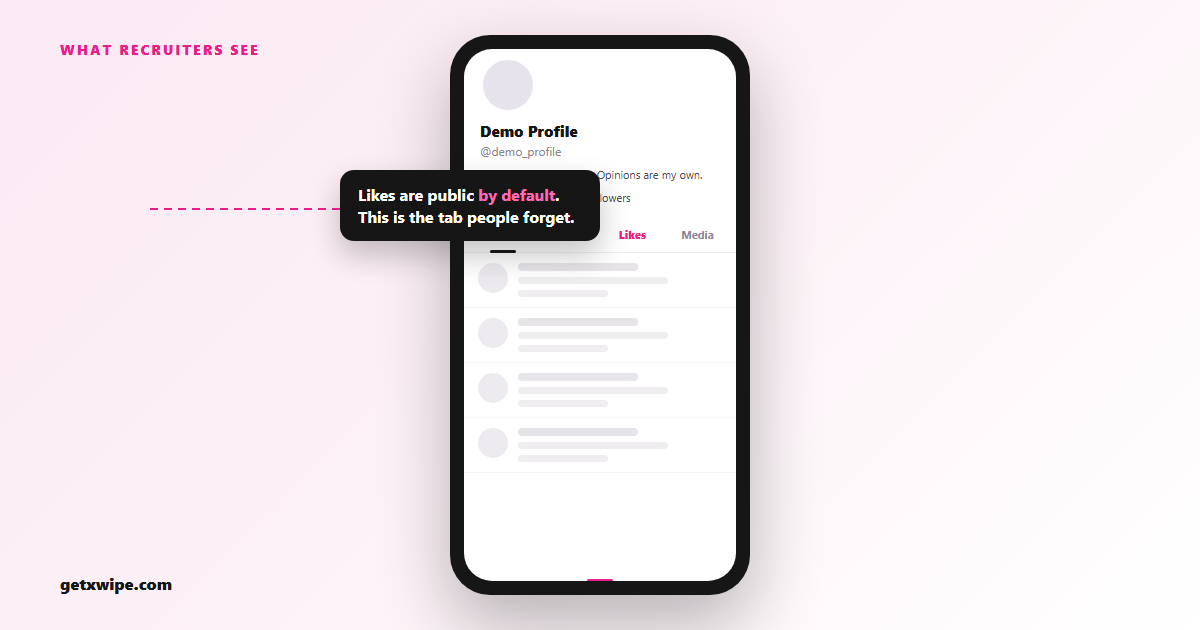
A recruiter reading your account without following you can see your posts, your replies, your reposts, your likes, your media tab and the full list of who you follow. Likes are public by default. Most people have forgotten this, and the likes tab is the one that tends to embarrass.
They do not need a tool. They scroll, the same as anyone, and the media tab lets them skip ten years of text in about thirty seconds.
| Public to anyone | Not public |
|---|---|
| Posts and replies | Direct messages |
| Reposts and quote posts | Bookmarks |
| Likes (unless your account is protected) | Drafts |
| Who you follow and who follows you | Your email and phone number |
| Media tab (every image and video you posted) | Muted and blocked lists |
| Bio, pinned post, banner, join date | Your search and watch history |
Protecting the account hides most of that from strangers. It also looks like exactly what it is if you do it the week you start applying.
How far back you need to go
Further than you think, and further than the X API will take you on its own. X serves a tool your most recent 3,200 posts and no more. Everything older is still visible on your profile to a human who keeps scrolling, but a deletion tool cannot see it without your X archive file.
So there are two jobs, not one. Recent posts you can clear the same evening. Anything past the 3,200 line needs the archive, which X emails you after a wait of a few hours to a couple of days.
Request the archive before you start deleting, not after. It is the only copy of your old posts you will ever get, and once the deletions run there is nothing to export. Here is how to download your X archive first.
If the interview is three days away and the archive has not arrived, clear the recent 3,200 now and run the archive job when the file lands. The recent posts are the ones being read anyway.
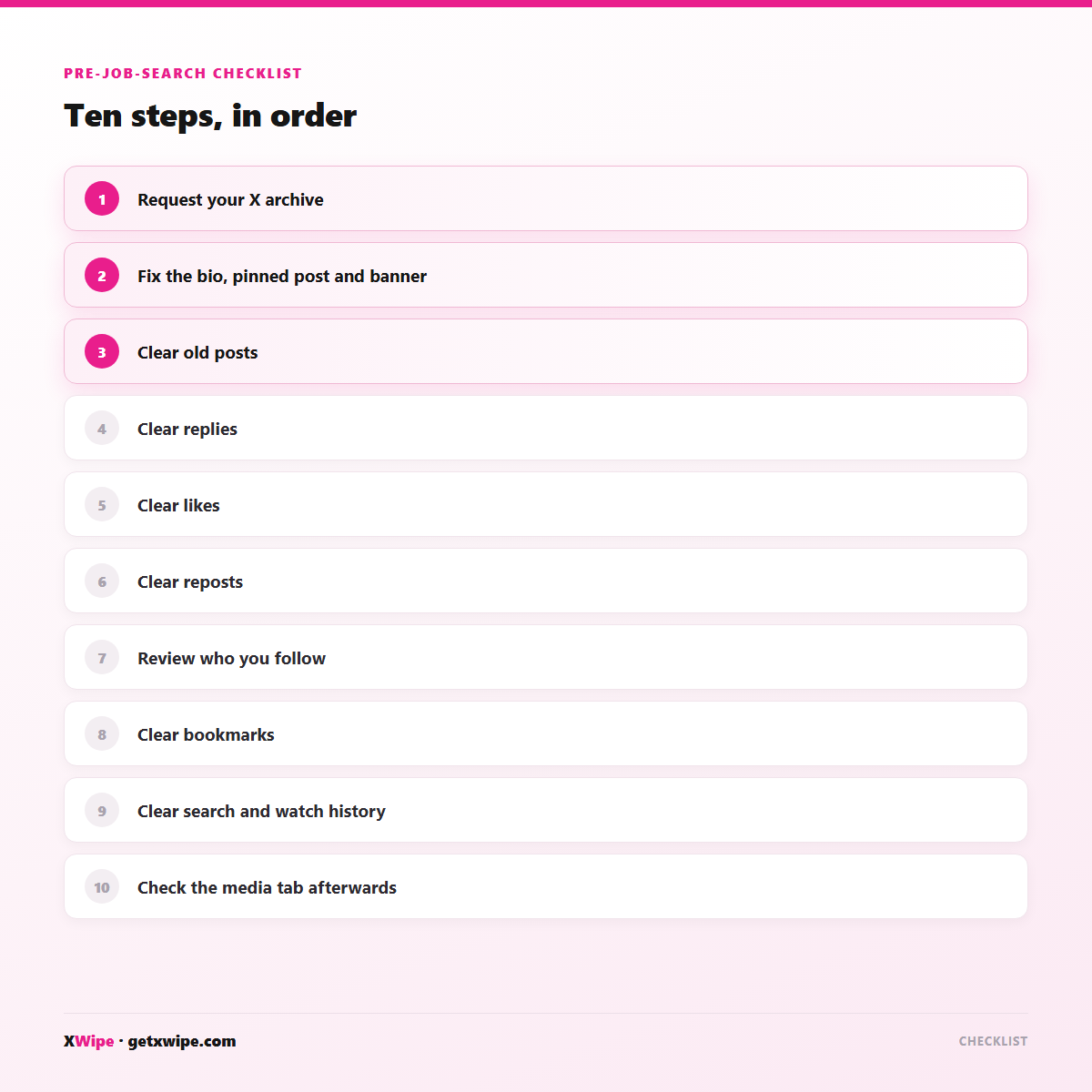
The pre-job-search checklist
In order, because the order matters:
- Request your X archive. Settings, then Your account, then Download an archive of your data. Start the clock now.
- Fix the bio, the pinned post and the banner. These are read first and take two minutes.
- Clear old posts. Anything from a job, a city or a politics you have since left behind.
- Clear replies. People forget replies. They are on your profile under the Replies tab, in full.
- Clear likes. The tab nobody audits and everybody can read.
- Clear reposts. A repost carries someone else's opinion under your name, which is a harder thing to explain in a room.
- Review who you follow. Nobody gets hired over a follow list, but people do get asked about one.
- Clear bookmarks. Private, but they ride along in the archive if you ever hand it over.
- Clear your search and watch history. Not public, but it is on the device, and shared laptops exist. How to clear X watch history.
- Check the media tab afterwards. It is the fastest way to spot what you missed.
Doing it yourself
Deleting by hand is realistic up to a few hundred posts. After that, X's own interface will beat you: three taps per post, no multi-select, and an infinite scroll that resets when you back out.
A deletion tool fixes the tapping and then runs into the rate limits. X caps how fast anything can delete, including X itself, so a 10,000-post account is a run measured in hours rather than minutes. The usual failure is not technical. It is that people start on a Sunday night, get through 1,400 posts, close the laptop, and never open it again.
You can test the whole flow at no cost: delete your first 10 tweets free. Ten will not clean an account, but it will tell you within a minute whether you have the patience for 6,000.
Or have it done for you
If the interview is Thursday, hiring the job out is the cheaper unit of time. You fill in a two-minute form, sign in with X once, and someone else builds the jobs, shows you the list, runs it and sends you the final counts. Our done-for-you Twitter cleanup service starts at $99 for up to 2,000 items and runs to $899 for a full wipe of up to 50,000.
The deadline case has its own option. Priority start is +$99 and your job begins within 4 hours of your sign-in instead of waiting for the next slot. It does not make X delete any faster, because nothing does, but it removes the queue.
Nobody ever asks for your password. You grant an OAuth token on X's own screen, and you can revoke it from your X settings the second the report lands.
Frequently Asked Questions
Do employers check your Twitter?+
Many do, informally, as part of reading you online. There is no notification and no way to know. Assume anything public on your profile can be read before an interview.
Can a background check see deleted tweets?+
A standard employment background check covers criminal, employment and credit records, not deleted posts. Deleted posts are gone from X, though third-party archives and other people's screenshots are outside anyone's control.
How long before an interview should I clean up my account?+
Give yourself a week if you can, because the X archive takes hours to days to arrive and old posts need it. With a cleanup run for you and priority start, a few days is enough.
Will people notice I deleted my tweets?+
X sends no notification and posts disappear quietly. Replies you made may still be visible in the other person's thread, and a deleted account leaves a more obvious gap than a cleared one.
On the timing question: with a cleanup run for you and priority start, a few days is enough.
Related guides
Delete tweets on iPhone
The XWipe iOS app is live. Delete posts, likes, reposts, bookmarks and follows from your phone — same account, same credits, jobs run on our servers.
TweetDelete pricing 2026
What TweetDelete really costs in 2026 — free-plan limits, paid tiers, and what you get. Compared with XWipe's $4 pay-as-you-go (10 free to start).
TweetDelete alternatives
TweetDelete only does tweets. Compare XWipe, Redact, TweetDeleter, and Cyd for clearing likes, follows, bookmarks, and DMs too — features, speed, and price.
Back up your X archive before wiping
Deletion on X is permanent. Download your data archive first so nothing's lost — then reuse the same .zip to wipe your full history.
Erase every content type on X
A real cleanup means more than tweets. Erase tweets, retweets, likes, follows, bookmarks, and DMs from one tool — from $4 for 100 deletions, credits never expire, archive support.
Interview on the calendar and twelve years on the timeline?
The next thing you have to do is read a report.
Book a cleanupNot ready to connect your account?
Get the X cleanup checklist — the 2026 settings walkthrough plus what X won't let you bulk-delete. One email, no spam.